







On-demand webinar

What’s New This Winter

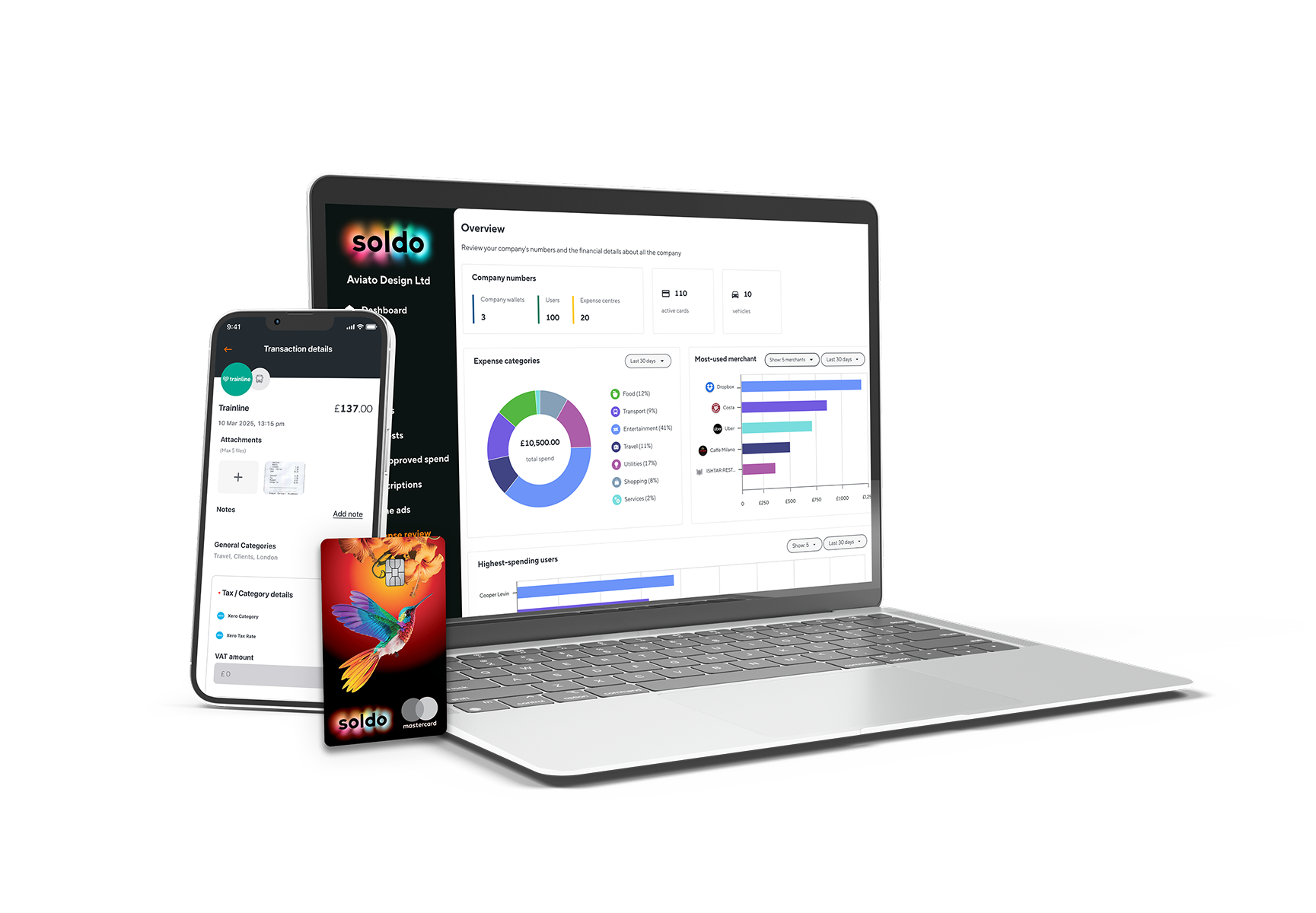
See how Soldo’s latest features help finance teams simplify T&E spend, speed up reporting, and better manage invoice data – all in one place.

In this webinar, you’ll discover how to:

  • Manage business trips end-to-end in one place
  • Simplify reconciliation with SAP Concur
  • Save custom report views for faster insights
  • Sync invoice data automatically to accounting
Who’s speaking

Speakers

Hear from our experts as they unveil the Winter 2025 updates that make managing spend and reporting simpler than ever.

Francis Mercer
Francis Mercer
Senior Product Marketing Manager
Soldo
Gianni Buono
Gianni Buono
Senior Product Manager
Soldo
Edit Kovacs
Edit Kovacs
Principal Product Manager
Soldo

Streamline Spend, Travel, and Reporting

Discover practical ways to simplify travel spend, reporting, and invoice management – while keeping full control and compliance. See how Soldo’s latest features make managing expenses faster, easier, and more connected.

Frequently asked questions

Everything you need to know.

What’s included in the Winter 2025 release?

This release introduces Business Trips, Saved Views in Reports, Invoice Fields, and improved automation tools – all designed to simplify how finance teams manage spend, travel, and reporting.

Are these features available in all plans?

Most Winter 2025 features are available in the Unlimited plan. If you’re on a different plan, please contact Soldo to discuss upgrading and unlocking access to the new capabilities.

Why use Business Trips?

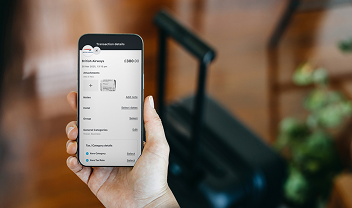
Business Trips make it easy to plan, approve, and track business travel in one place.

  • Plan ahead – capture flights, hotels, taxis, and other costs before travel begins.
  • Control spending – approve only what’s needed and split funds between pre-trip and on-trip expenses.
  • Stay compliant – ensure spending stays within policy, remove unused funds automatically, and block cards at the end of a trip.
  • Track with ease – transactions link directly to the Trip, simplifying reconciliation and reporting.
What are Invoice Fields?

Invoice Fields let you capture and store key invoice information directly in Soldo.
 You can record:

  • Invoice number
  • Invoice date
  • PO (Purchase Order) number
  • Supplier VAT number

When you enable Invoice Fields, a new Invoice Details panel appears on your transactions.
If you use OCR, Soldo will automatically extract these fields from uploaded invoices and pre-fill them for you.

How to activate the integration with SAP Concur?

Getting started is easy: You can log in through the SAP Concur App Center to connect your accounts directly, or request information if you’d like a quote or to explore the available options.

Still have questions?

Can’t find the answer you’re looking for? Please chat to our friendly team.